Take your equipment at the storage unit
Your market has a storage unit instead of a warehouse person. You scan out what you take yourself, and Restock keeps count.
Know this first
At the unit
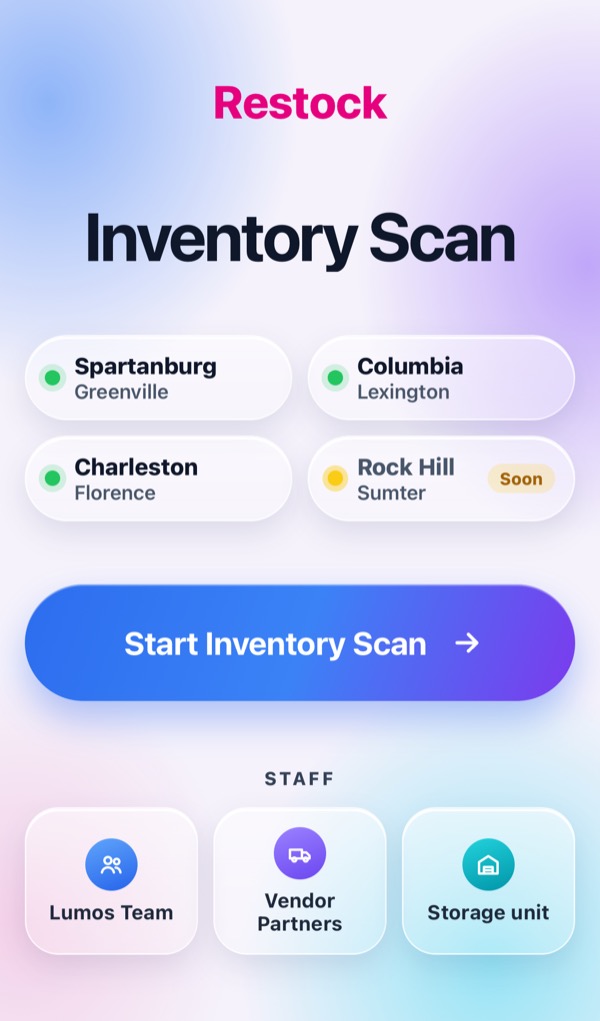
Tap Storage unit
Open restock.svcops.net, scroll down and tap Storage unit.
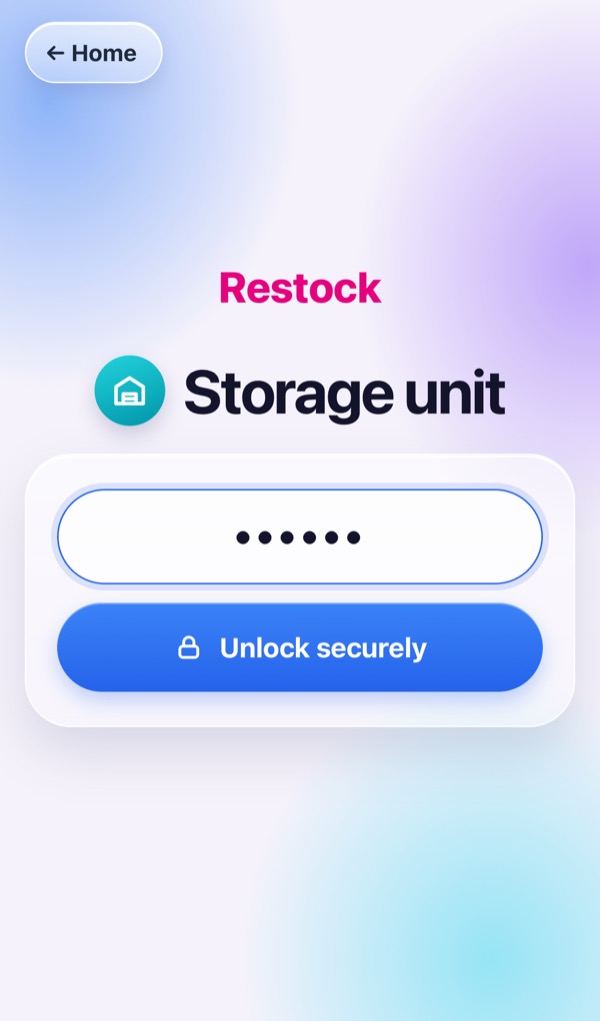
Unlock with the unit PIN
Type the unit PIN in Unit credentials and tap Unlock securely.
The unlock lasts 4 hours.
Pick your name
Your market shows at the top. Pick your name — only your market's techs are listed.
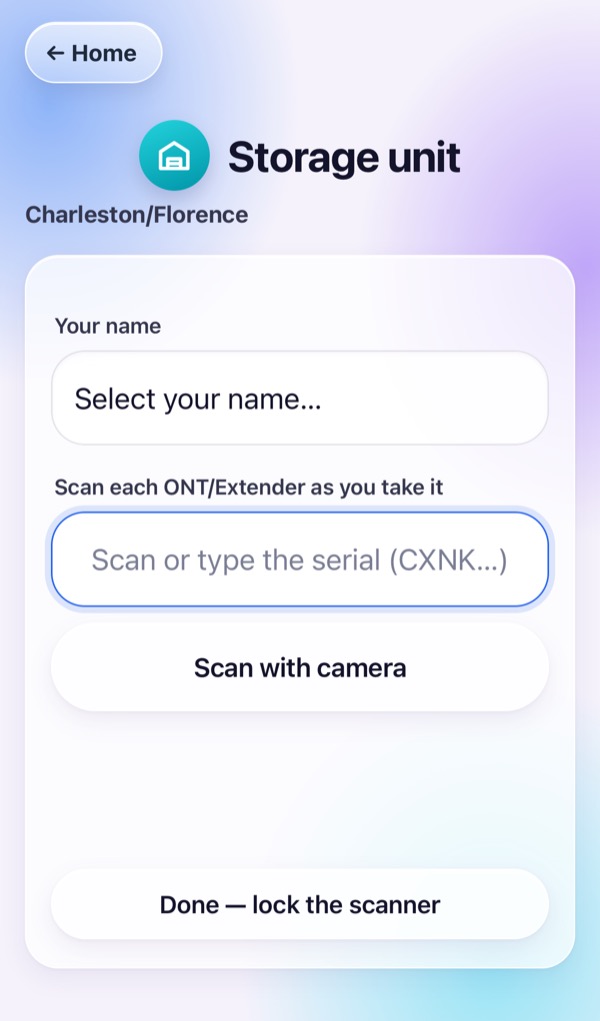
Scan each ONT and Extender as you take it
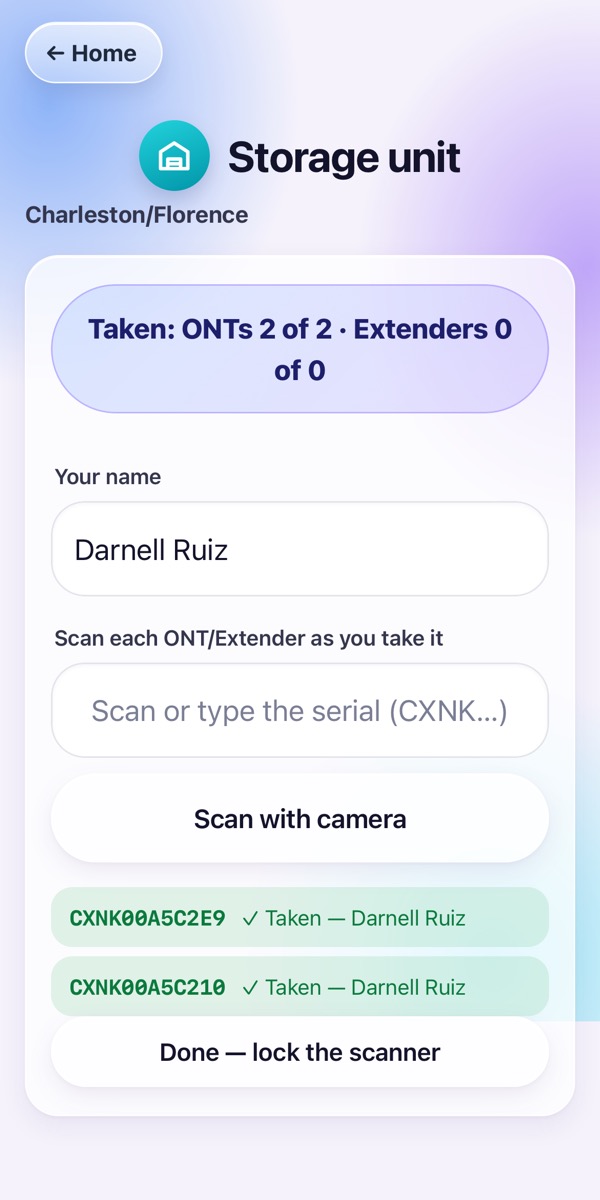
Scan the CXNK label with a scanner, or tap Scan with camera. Green means it is yours: TAKEN.
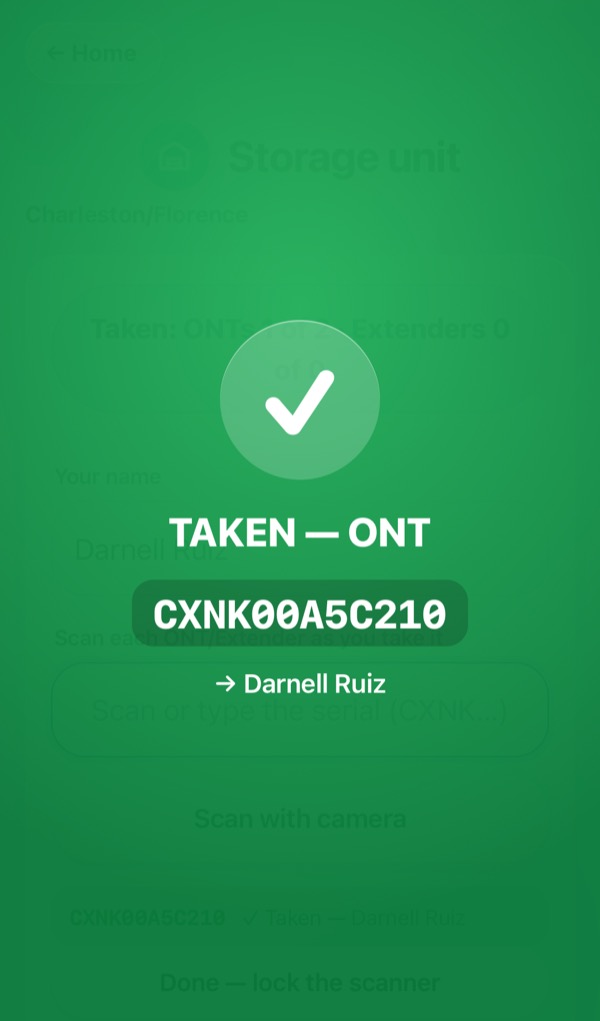
Watch your count
The top shows what you took against what you are owed, like ONTs 2 of 2. Each serial shows ✓ Taken with your name.
Lock it when you leave
Tap Done — lock the scanner. The PIN screen comes back so nobody else can use it.
Red screens
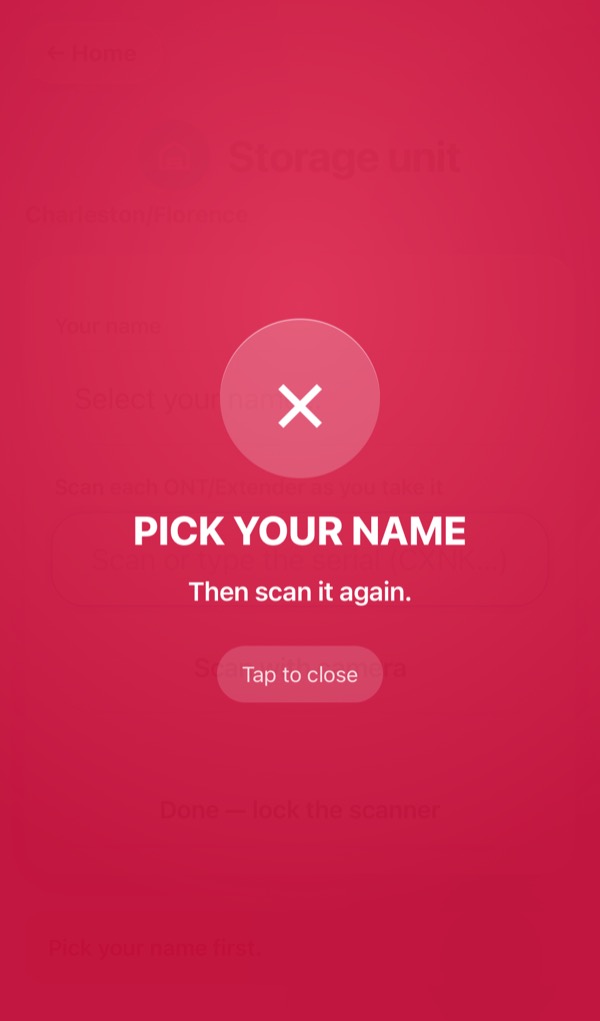
PICK YOUR NAME
You scanned before picking your name. Tap to close, pick your name, scan again.
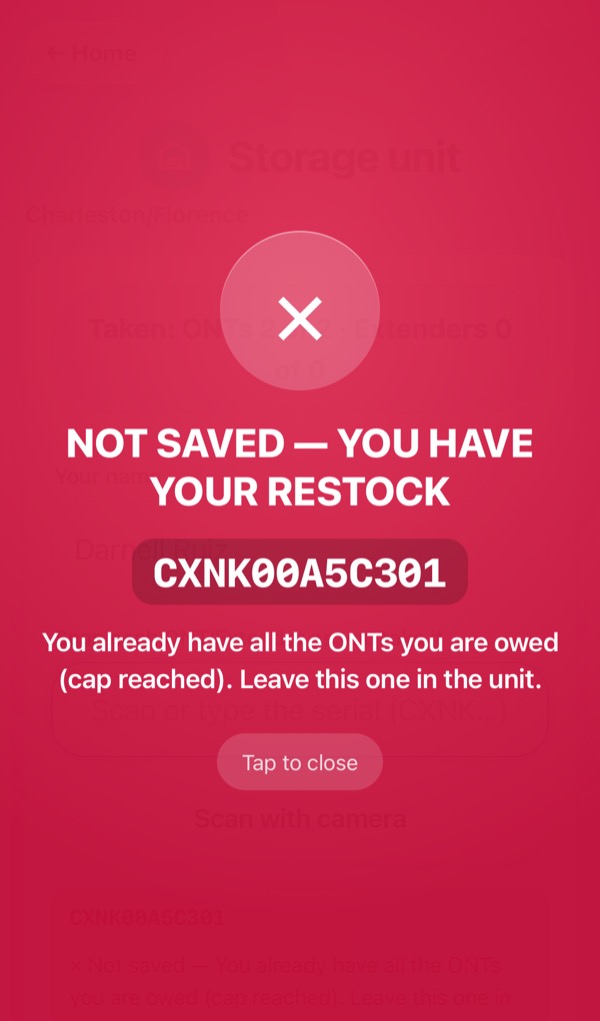
YOU HAVE YOUR RESTOCK
You already have everything you are owed. Leave that one in the unit.
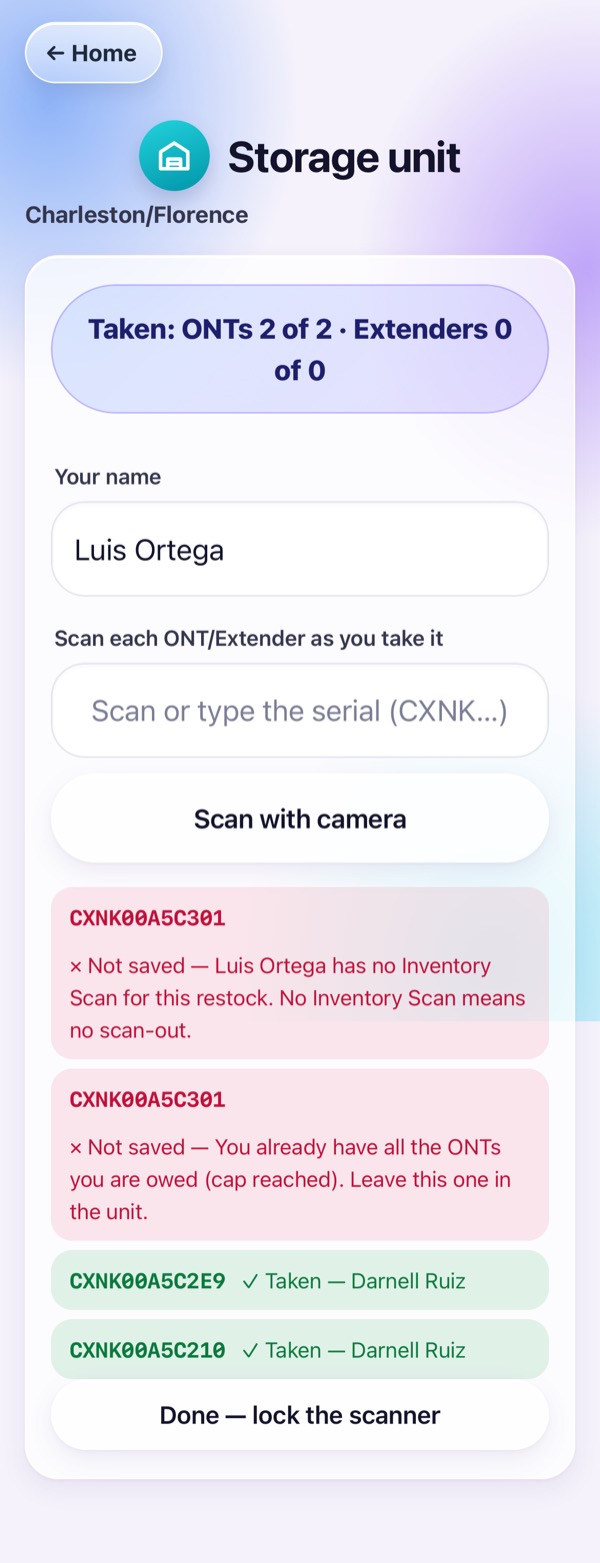
No Inventory Scan
You have not sent your Inventory Scan for this restock. Send it first, then scan again.
Pictures use made-up names and serials. Restock · restock.svcops.net